A photo. A contact. A follow-up.
A site banner becomes a structured Zoho CRM record, then starts the follow-up workflow.
From a photo to a follow-up.
Interactive demo · Sample data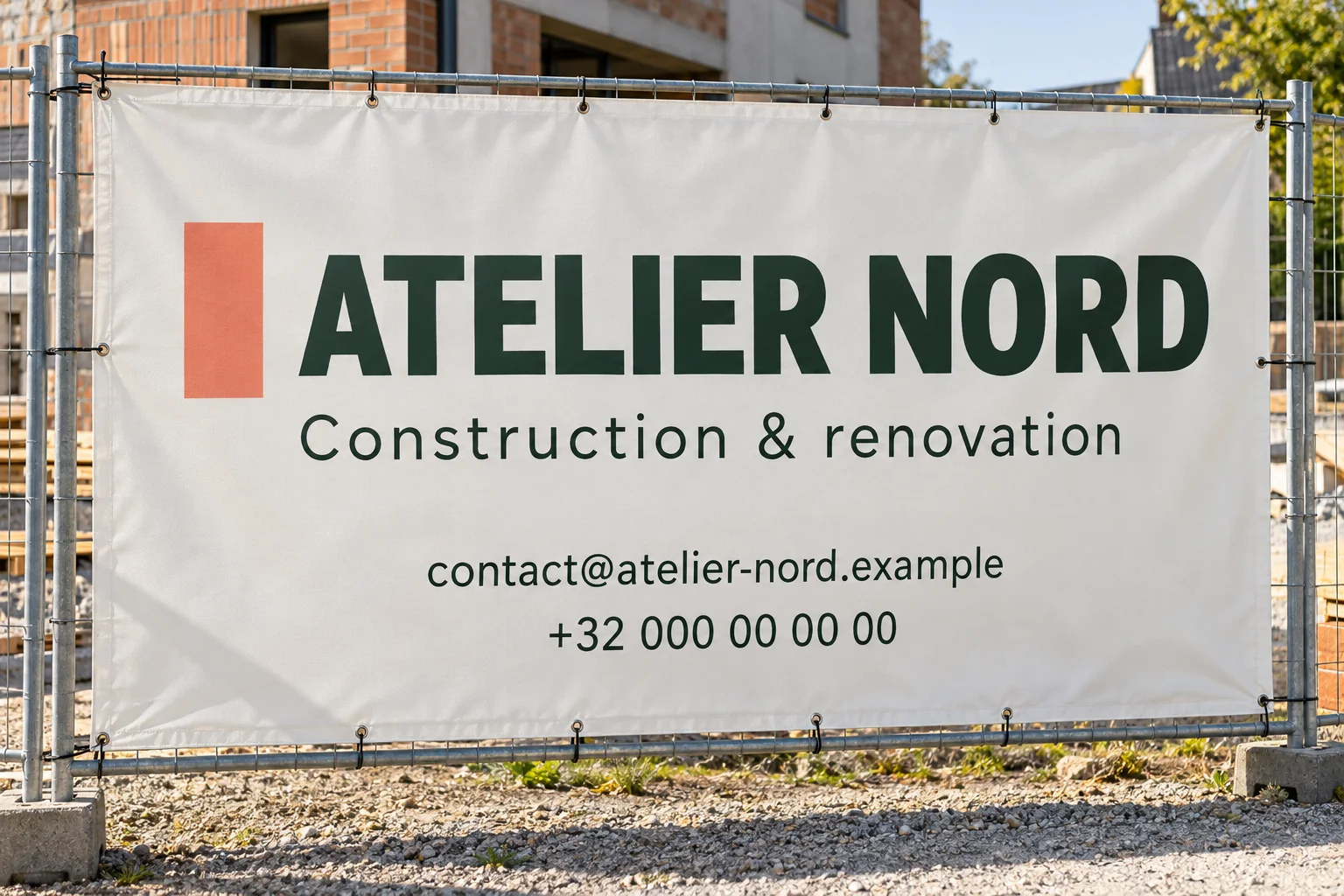
2CRM contact
- Company
- Phone
- Source
- Banner photo
3Follow-up
Review contact details before sending.
Ready when you are.
Guided sample. Nothing is sent.The image and interactive workflow on this page use fictional sample data. They illustrate the process without showing client records.
The problem
Contact details were coming from several places: existing databases, web forms, site banners and vehicle signs. The information needed a clear place in the CRM and a reliable next step.
What I built
I built and tested a Zoho CRM ecosystem with custom modules, external app connections and an application that extracts contact details from photos. The extracted information goes into the matching CRM fields and starts email and WhatsApp workflows.
What was tested
During a client test, a supplied banner photo was processed from upload to CRM entry and follow-up. The broader project also included knowledge-base AI agents for WhatsApp and crew accommodation management in the Benelux region.
Inside the work
- Photo or web form
- Extract contact details
- Map to Zoho CRM
- Start the follow-up
What’s slowing your team down?
A workflow to fix, a product to build, or a role that fits. Tell me a little about it.